Why do Fonts matter?
When working in CtrlPrint we strongly recommend that you have the fonts relevant to your project installed before you start working. The best way to ensure this is to communicate with your document designers to make sure that you not only have the right fonts installed, but that they are also the correct version of these fonts.
Please note that missing fonts will not prevent you from editing the document.
How do I know if I do not have the correct fonts installed?
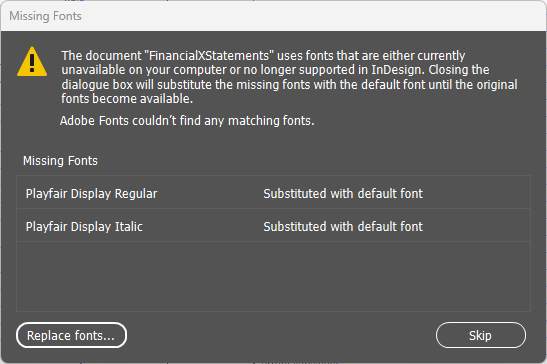
- When you open the document, you will receive a dialogue from InDesign/InCopy indicating which fonts are missing. This dialogue not only indicates which fonts are missing, but explains that a default font will be substituted in its' place.
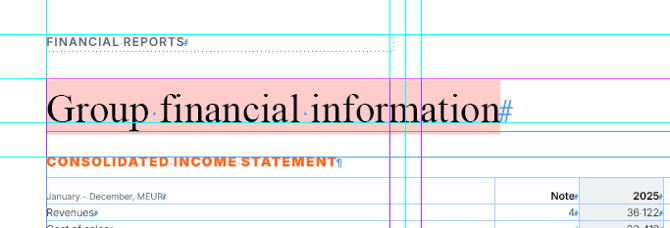
- If you are viewing the document in "Normal" view, you will see a pink highlight on the affected text.
"Normal" view can be activated as per the screenshot below.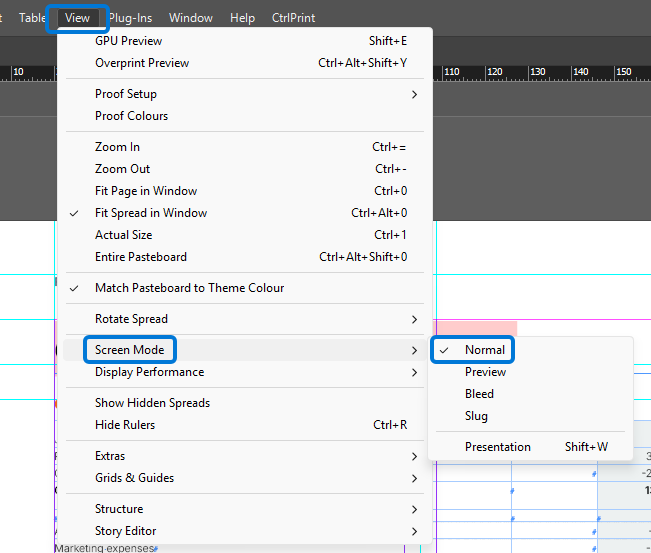
What are the effects of missing fonts?
If you do not have the correct fonts installed, there are a number of ways that your project is affected.
- Text may not fit in the text frames that are defined in the document. This will lead to overmatter. Overmatter will affect the appearance of the PDF that is generated by CtrlPrint and the visibility of copy while editing a document. Overmatter is indicated by the symbol below at the end of a text frame.
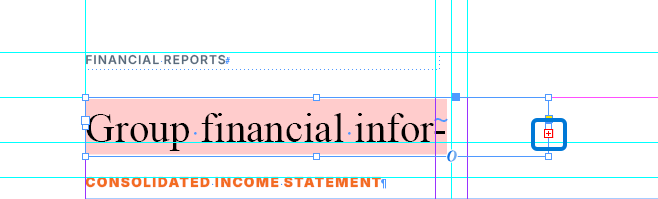
Below you can see how the same text fits into the text frame when the correct font is installed.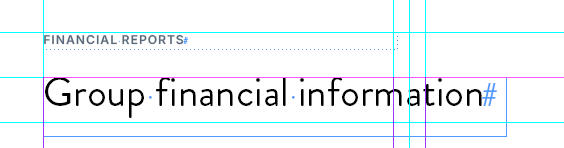
- The PDFs that are generated when saving a new chapter version will not appear correctly and can confuse other users who download them.
A correct PDF
An incorrect PDF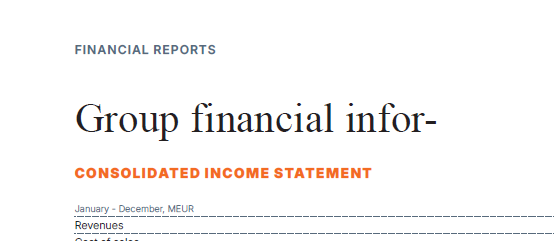
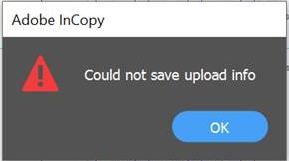
- You may receive an error message when trying to save your document to CtrlPrint. This error message is an indication that the PDF cannot be exported. While there are several reasons for this, missing fonts are a common cause.