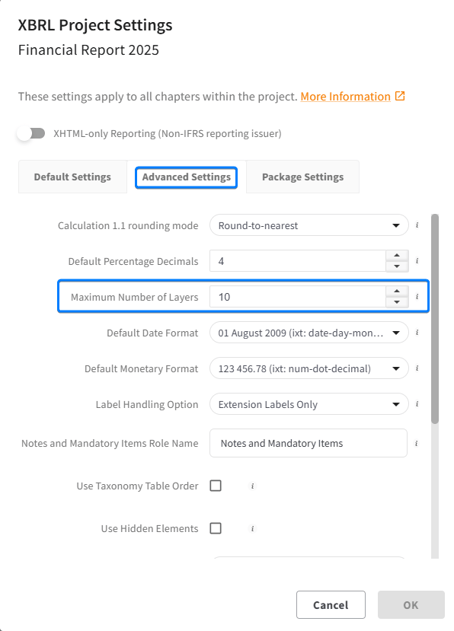
By default, you can add a total of 10 Layers in Tagger. This includes the CtrlPrint Frames Layer, so effectively, you can add 9 layers to work with. This limit can be changed in the XBRL Project settings by a Company or Project Administrator. These users are listed on the project page with their email addresses.
- Log in as Administrator.
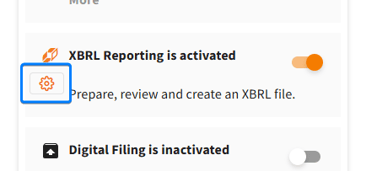
- Click on the XBRL Settings for the project.
- Change the number of Layers in Advanced Settings. Please note that you can add up to 100 total Layers. Which means you will have up to 99 Layers that you can work with at the most.